
The study is ready, the guide is tight, and then the people are missing. Recruitment is where qualitative research stalls most often: not because nobody wants to talk, but because finding, screening and scheduling the right people eats one to two weeks before the first interview even starts.
Once your study is set up in QUALLEE, the built-in participant recruitment through TestingTime is the fastest way around that. You describe who you are looking for directly in QUALLEE, and the TestingTime panel finds matching participants from more than a million verified respondents. They automatically receive the link to your AI interview. You maintain no participant list of your own and pay out no incentive yourself.
Panel or DIY: what the decision actually costs
Recruiting on your own looks cheaper because the cost hides inside working hours. For ten interviews you realistically screen fifty candidates, schedule twelve or thirteen sessions to actually run ten, and add an incentive of 50 to 100 EUR per participant on top. In our cost breakdown for qualitative UX research, recruitment alone accounts for 20 to 30 percent of the project budget; professional panels charge 50 to 150 EUR per qualified participant there, with the incentive still to come.
In QUALLEE one participant costs 10 credits, and that already covers everything: panel recruitment, the incentive for the completed interview, up to three screening questions and one language. Credits come in packages of 20, 100 or 200, and the price per credit drops with package size. The difference to DIY recruiting lies less in the price than in what disappears: no screening effort, no scheduling, no no-show buffer, because only completed interviews are billed.
Recruiting yourself still remains the right call when you need a very specific audience no panel covers, such as existing customers with a particular contract status or employees of your own company. For anything you can describe through age, gender, language and a handful of screening criteria, the panel is faster.
Before you start
Two conditions have to be met before you can recruit.
Your project must be published. As long as your project sits in draft mode, you cannot recruit participants. Publish it first in the "Publish" step; only then does the recruitment area respond.
You need credits. Recruitment is billed through a credit system, and one participant costs 10 credits. You buy credits under Pricing. Three packages with volume discounts are available: package S with 20 credits for 280 EUR net, package M with 100 credits for 1,300 EUR net and package L with 200 credits for 2,400 EUR net.
The "New order" button in the recruitment area only appears once there is a balance on your account. So buy a package first, and order creation opens up.
Step by step
Step 1: Open recruitment
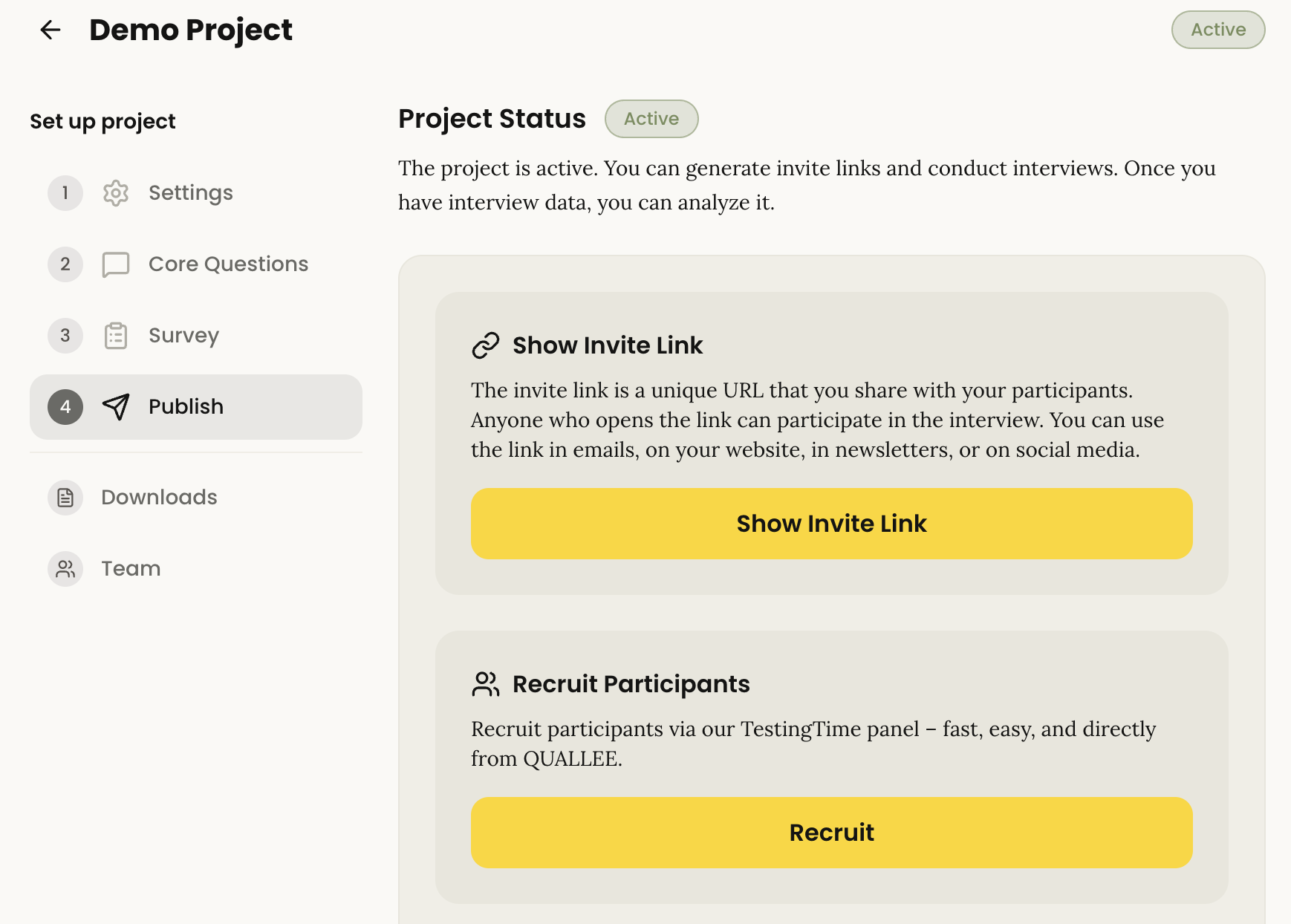
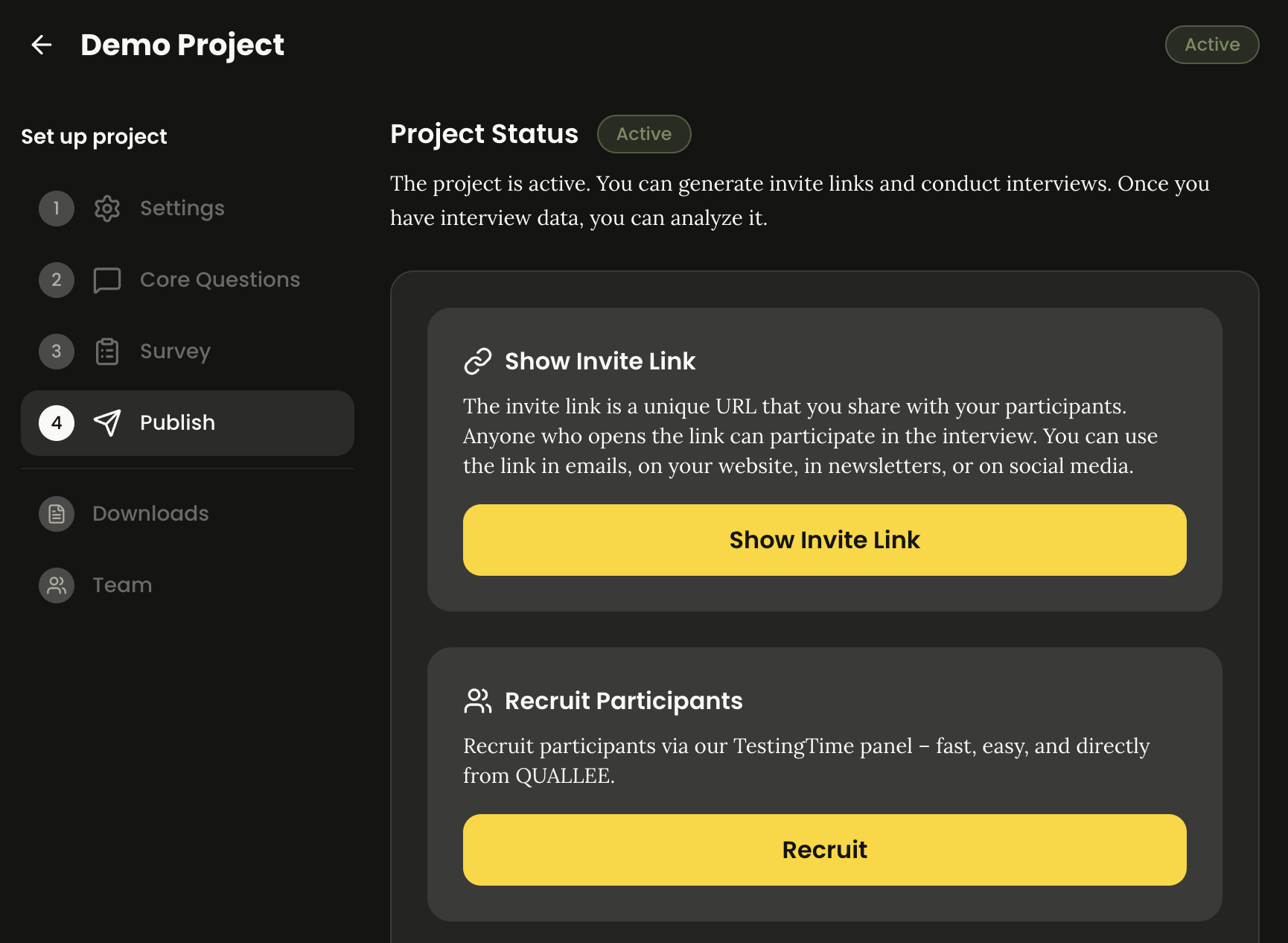
Open your project and switch to the "Publish" step in the sidebar. There you will find the "Recruit participants" section. Click "Recruit" to reach the recruitment area.
If you have already created orders there, the button reads "Manage recruitment" instead.
Step 2: Create a new order
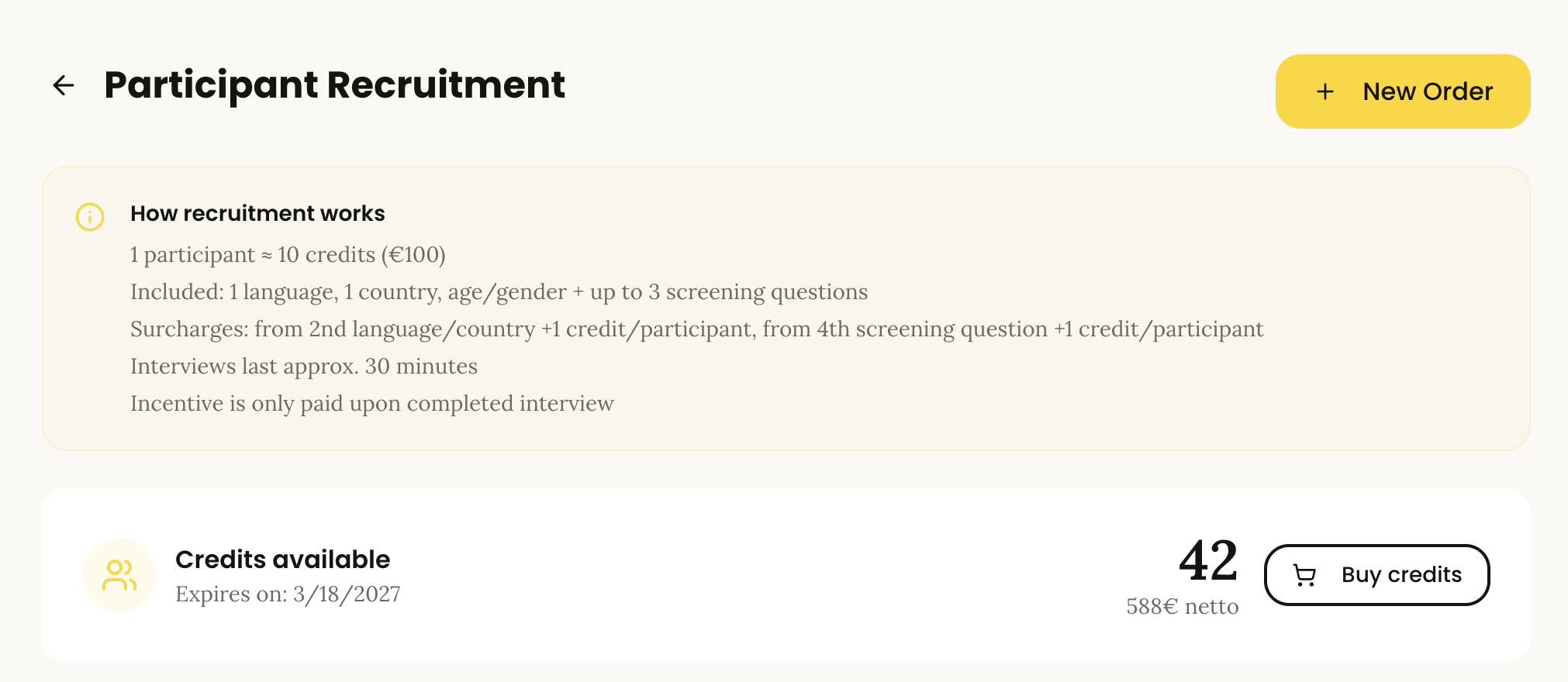
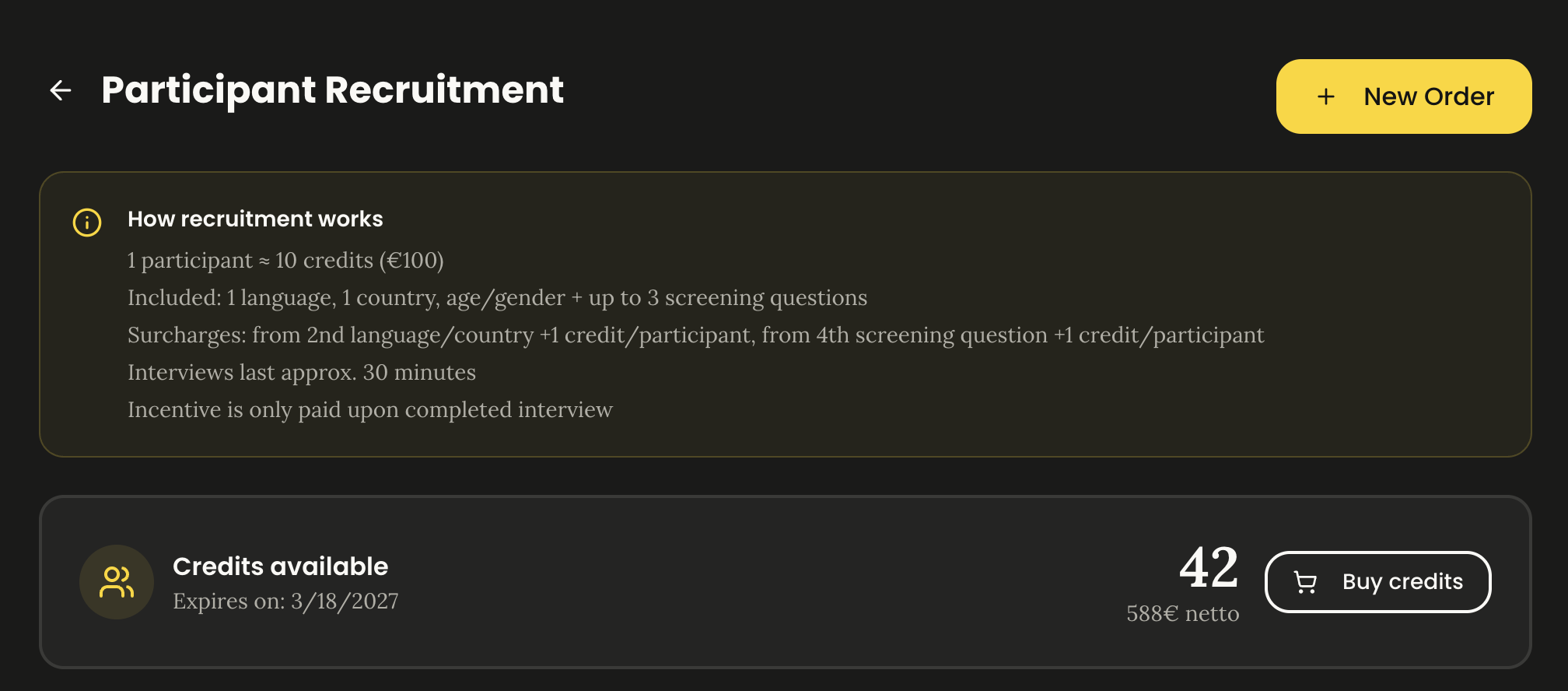
At the top of the recruitment area you see your available credit balance. Click "New order" to open the order form. If the button does not appear, your balance is at zero; buy a credit package under Pricing first and the button becomes visible.
Step 3: Configure the order
The form walks you through the order in two steps. The first is called "Configuration". Here you define who you are looking for:
- Number of participants: Use the slider or the input field to set how many participants you need (between 1 and 100).
- Languages: German is selected by default. Use "Add language" to add a second one. Available are German, English, French, Swedish and Dutch; more than two languages per order is not possible. Each additional language costs one more credit per participant.
- Priority: Normal (roughly 10 days), Express (roughly 5 days) or Emergency (roughly 3 days). Express costs 50 percent more credits, Emergency double.
- Gender: Any, Balanced, Male only or Female only.
- Age: Age is set to "Any" by default. Clear the checkbox to define a range. The range has to span at least five years, so 25 to 30 rather than 25 to 26.
- Screening criteria: These narrow your audience further, for example "Bought an electric car this year". The first three criteria are included in the base price; from the fourth onwards one credit per participant is added.
- Instructions for participants: For each selected language you can store a short note for the participants.
- Information for TestingTime: Use this field to give the TestingTime team additional context about your study.
Finally you fill in your contact details. Contact name and contact email are prefilled if you are logged in but can be adjusted. The phone number is used for any follow-up questions from TestingTime. Also tick the consent box for data transfer, otherwise you cannot continue.
At the bottom of the form a cost summary shows the required credits and the total at all times. Once everything is filled in, click "Continue to confirmation".
Step 4: Review and submit the order
The second step is called "Confirmation". Here you see all details of your order and the final cost in one overview. If you want to change something, "Edit" takes you back to the first step.
If everything is correct, click "Place binding order". Your order is submitted to TestingTime and the credits are deducted from your balance.
Step 5: Confirmation
After a successful order a confirmation dialog appears with your order number, and a confirmation email goes to the contact address you provided. From here TestingTime looks for matching participants and forwards them to your AI interview; you follow the progress in the recruitment area.
Common pitfalls
The "Recruit" button does not respond or points back to publishing. Your project is probably still a draft. Publish it first, then recruitment becomes available.
You see no "New order" button. Your credit balance is most likely at zero. Buy a credit package under Pricing first.
The age range is rejected. The range has to span at least five years and stay between 18 and 120; 25 to 26 is too narrow.
The phone number is rejected. Enter the number in international format including the country code, for example +49 151 1234567.
The order cannot be submitted. Check your entries for phone, languages, participant count and age range. If the problem persists, the support center will help.
Only completed interviews are billed. A participation counts as complete once the participant has given at least five answers and passed the automatic quality check. Abandoned interviews or those flagged as fake cost you nothing.
Questions that always come up
How long does recruiting interview participants take?
With priority "Normal" TestingTime estimates roughly 10 days, Express roughly 5 days and Emergency roughly 3 days. Since participants receive the link to the AI interview automatically and never have to agree a slot with you, analysis begins as soon as the first interviews arrive.
What does one interview participant cost through the panel?
10 credits per participant. That covers recruitment, the incentive, up to three screening questions and one language. Each additional language and each screening criterion from the fourth onwards costs one more credit per participant; Express multiplies the total by 1.5, Emergency by 2. Current package prices are on the pricing page.
Do I have to pay out the incentive myself?
No. The incentive for completed interviews is part of the 10 credits and is handled by TestingTime.
How many participants do I need for a qualitative study?
For most research questions, eight to twelve interviews per audience segment produce reliable patterns. If you are comparing several segments in QUALLEE, plan separate interviews per segment rather than one larger overall sample; why depth beats volume here is covered in our article on scaling qualitative research.
Can I recruit participants in several languages?
Yes, up to two languages per order out of German, English, French, Swedish and Dutch. The second language costs one more credit per participant. If you need more languages, create several orders.
What happens if a participant abandons the interview?
Then they are not billed. Only interviews with at least five answers that pass the automatic quality check are charged, which also rules out participations flagged as fake.
About TestingTime
With a pool of more than one million test users, TestingTime is the European market leader in test user recruitment. The company enables UX researchers, designers and CX teams to get fast, reliable feedback from real users while saving time and budget. Its self-service platform offers extensive screening and security features to secure test user quality. TestingTime was founded in Zurich in 2015 and acquired by Norstat in 2021.
Try it yourself
Recruitment is the part you do not have to handle yourself in QUALLEE: describe the audience, submit the order, analyse the interviews. If you want to see how an AI-moderated interview feels from the participant side before you place an order, it takes about 20 to 30 minutes.